
DocuVault – Document Management Software Built for EOR, PEO & Staffing Agencies
Every employee file, compliance record, and client document: tagged, secured, and audit-ready from the moment it’s uploaded.

Trusted Workforce Operations Platform for EOR, PEO, Staffing, and Accountant Firms


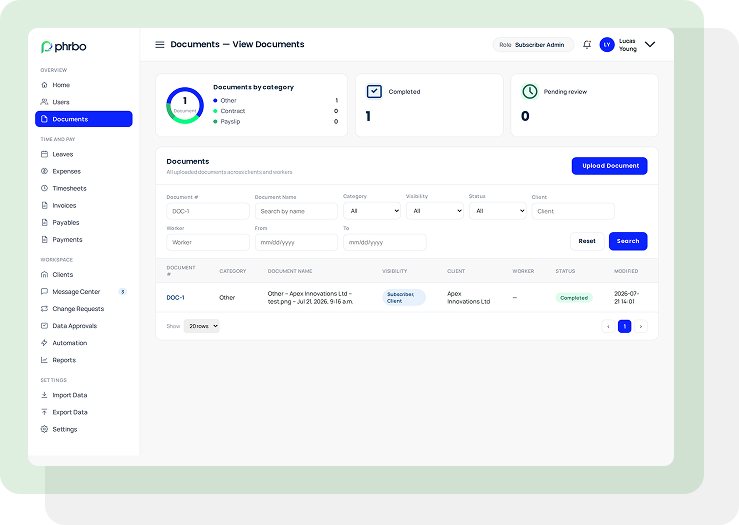
One document system for every client, every worker, every role.
DocuVault gives EOR, PEO, and staffing operators a single system to store, tag, and control employee and client documentation. Every file connects to a specific client and worker record, so nothing sits in a shared folder waiting to be misfiled or misplaced.
Role-based visibility determines who opens each file: Client HR, Client Billing, Subscriber Admin, and six other access levels keep sensitive records contained. Search by document number, client, worker, or date range, and pull exactly what you need in seconds, whether that’s for a client review, a compliance check, or a worksite employee’s onboarding file.
Upload and Categorize Every Records
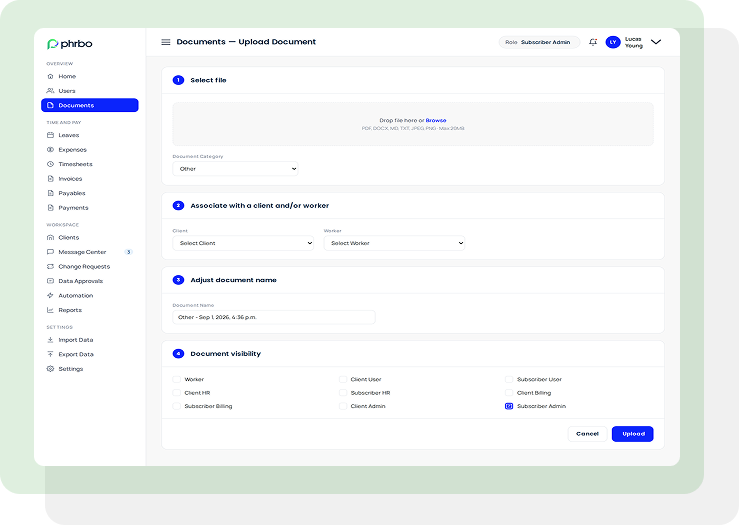
Every document enters the system through the same structured path, so file quality and completeness stay consistent no matter who’s uploading.
- Accepts PDF, DOCX, MD, TXT, JPEG, and PNG files up to 20MB
- Assigns a document category at upload for accurate classification and reporting
- Links each file directly to a client and/or worker record
- Auto-generates a descriptive document name, fully editable before or after upload
Control Document and File Access by Role
Co-employment and multi-client structures mean the wrong person seeing the wrong file isn’t a minor slip, it’s a liability. DocuVault’s visibility controls stop that before it happens.
- Nine distinct visibility roles across Worker, Client, and Subscriber tiers
- Separate access levels for HR, Billing, Admin, and general User roles on both client and subscriber sides
- Visibility set per document, not per folder, so access stays precise
- Role-switch preview lets admins confirm exactly what each role sees before granting it
Search, Track, and Stay Audit-Ready Documents
When an auditor, client, or worker requests a document, response time matters. DocuVault turns a records search into a filtered lookup, not a folder hunt.
- Filter by document number, name, category, visibility, status, client, worker, or date range
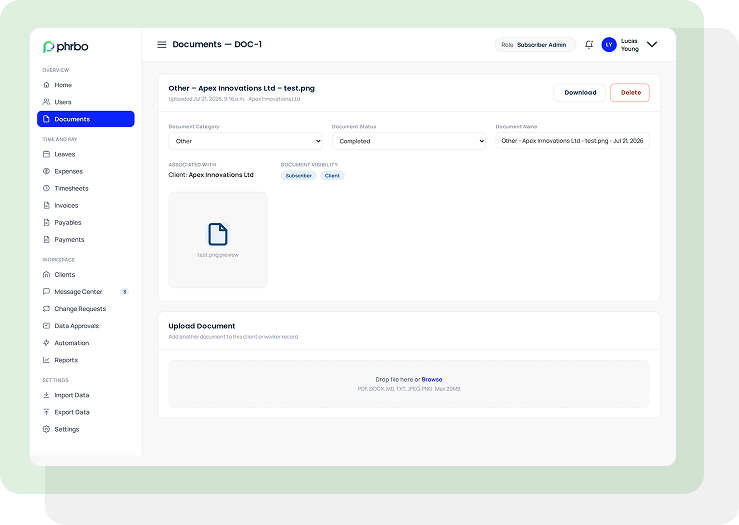
- Every document carries a live status (Completed, Pending, and other lifecycle states)
- Modified date and time stamped on every file for a clean audit trail
- Bulk actions available for managing documents across multiple records at once
Everything Document Management Should Do, In One Module
DocuVault replaces scattered folders, email attachments, and disconnected file systems with one structured, role-aware employee document management system for HR teams.

Client & Worker Association
Every file ties to a specific client, worker, or both, eliminating orphaned or misfiled records.

Nine-Level Role-Based Visibility
Granular access control across Worker, Client, and Subscriber tiers keeps sensitive files contained.

Advanced Search & Filtering
Locate any document instantly by number, name, category, status, client, worker, or date range.

Document Status Tracking
Every file carries a live lifecycle status, visible at a glance across the entire document list.

Editable Post-Upload Metadata
Reclassify, rename, or update visibility on any document after it’s uploaded, without starting over.

Bulk Document Actions
Manage visibility, status, or organization across multiple documents in a single action.
PHRBO’s Document Management System Built for Every Workforce Model
DocuVault adapts to how your business actually operates, whether you employ workers directly, manage them on a client’s behalf, or handle documentation across dozens of worksite employers at once.
Employer of Record (EOR)
Manage compliance documentation across every jurisdiction you operate in, tied to each client and worker record.
Professional Employer of Organization (PEO)
Keep worksite employee files, client contracts, and HR documentation organized under a shared co-employment structure.
Accounting & Payroll Providers
Attach payroll-related records directly to worker and client files for faster reconciliation and audit response.
Staffing & Recruitment Agencies
Store and share employee documents with client companies without losing control of who sees what.
Why Choose PHRBO
PHRBO was born out of understanding the pains of staffing, Employer of Record (EOR) and Professional Employer Organization (PEO) companies who desperately needed to streamline operations to keep up with growth. We recognized that payroll businesses lacked specialized software and set out to change that.
Our mission: to provide local PEOs and EORs with enterprise-grade tools—configurable to any business model and scalable to thousands of users. Today, PHRBO democratizes payroll operations software, leveling the playing field for local providers to compete with the Global providers.
Don’t take our word
for it, take theirs

Saving one day plus each
month!
PHRBO’s automation has cut our invoicing time from days to hours—saving us both time and effort.
A.M.
Senior Payroll Admin
Funding visibility impacting
AR
I was skeptical at first, but PHRBO’s visibility into pay funding has empowered my team to make smarter decisions, ultimately reducing AR.
J.F.
EOR Owner
Great HR functionality
I ‘PHRBO’ (lol) all day—answering worker inquiries, approving expenses, creating estimates for clients, and more. It’s a lifesaver, tailored to our business.
E.P.
PEO HR Business Partner
Let’s Talk Payroll Business Acceleration
Gain valuable insights from
our original content
-
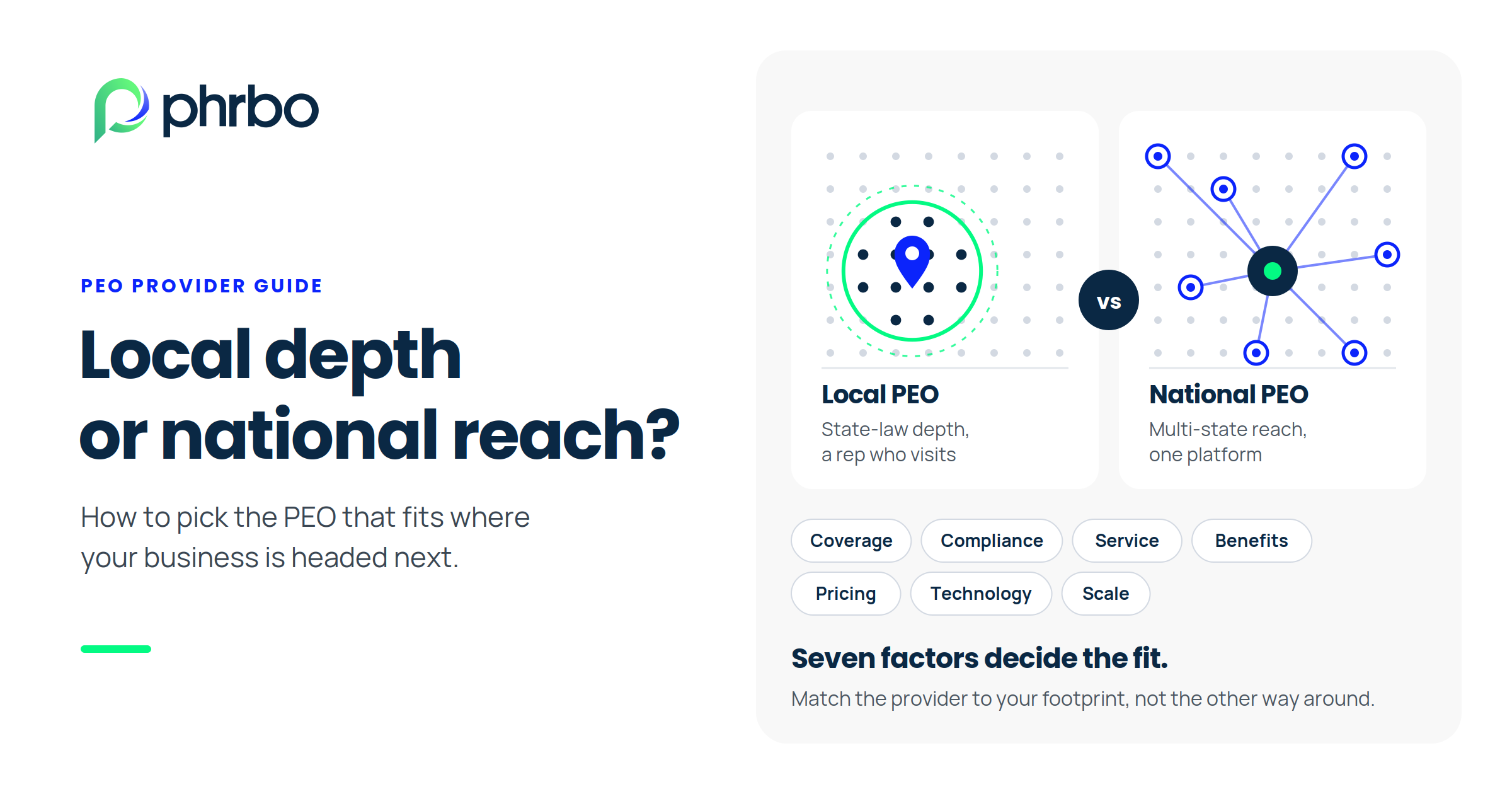
Local vs National PEO: How to Choose the Right Provider for Your Business
A local PEO suits employers with all staff in one…
-
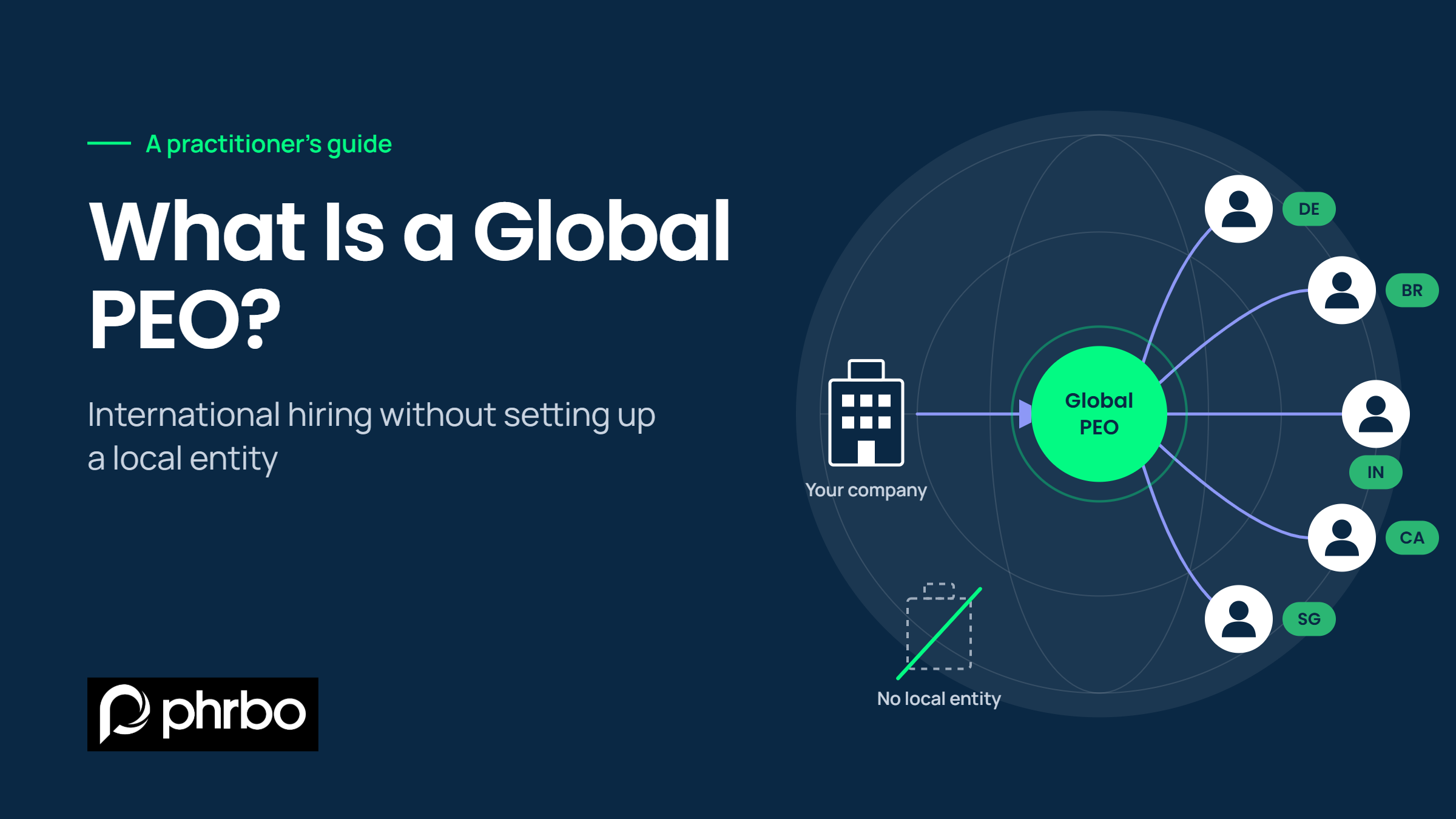
What Is a Global PEO? A Practitioner’s Guide to International Hiring Without an Entity
A global PEO is a provider that legally employs your…
-
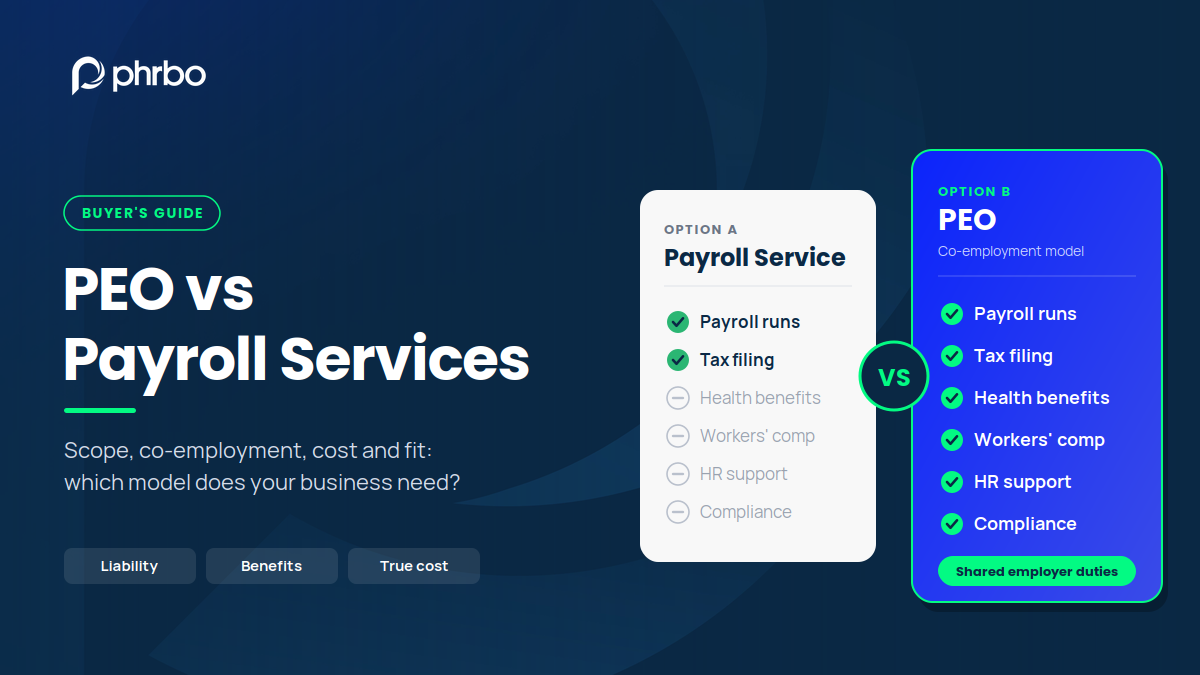
PEO vs Payroll Services: What’s the Difference and Which Should You Choose?
A payroll service runs pay and files payroll taxes for…
See DocuVault Handle Your Document Load – Live
Bring your actual client and worker document volume to the call. We’ll show you exactly how DocuVault organizes it.
Check out common FAQs on PHRBO’s DocuVault
How does DocuVault manage compliance documents across multiple countries or states?
DocuVault tags every document by category and client, letting EOR operators organize jurisdiction-specific compliance files by worker and location. Filtered search retrieves the exact document needed for any country or state audit in seconds.
Can staffing agencies store and share employee documents with client companies through the DocuVault?
Yes. DocuVault’s Client visibility roles let staffing agencies grant client companies access to specific worker documents like timesheets or contract files, without exposing internal records or other clients’ files.
Does DocuVault support I-9 and W-4 document management for worksite employees?
DocuVault stores I-9, W-4, and other worksite employee documents under worker-specific records, with category tagging and role-based visibility that restricts access to authorized HR and admin roles only.
How does DocuVault document management software help PEOs stay audit-ready?
Every document carries a status, modified timestamp, and client/worker link from upload. When an audit hits, PEOs filter and retrieve records instantly instead of searching folders or emailing for copies.
How does DocuVault work when a staffing agency manages employees for multiple clients?
Each document links to one client and worker record, and visibility roles control which client sees which files. A staffing agency managing ten clients keeps every client’s documents separated by design, not by manual folder discipline.
What’s the difference between DocuVault document management system versus a standalone DMS?
A standalone DMS stores files. A PHRBO’s DocVault module ties every file to a client, worker, and co-employment structure, with visibility rules built around HR, billing, and admin roles specific to workforce management.
How secure is employee document storage for co-employment and multi-client HR structures?
DocuVault enforces nine-level role-based visibility, so co-employment structures keep worker, client, and subscriber access separated by design. No document is visible by default — access is granted per role, per file.
Recognized by


